Block Breaker
Brick-breaking with angle control, multi-hit bricks, particles and escalating levels.
- genre
- Brick breaker
- engine
- Canvas
- status
- playable
- input
- keyboard · mouse · touch · gamepad
- controls
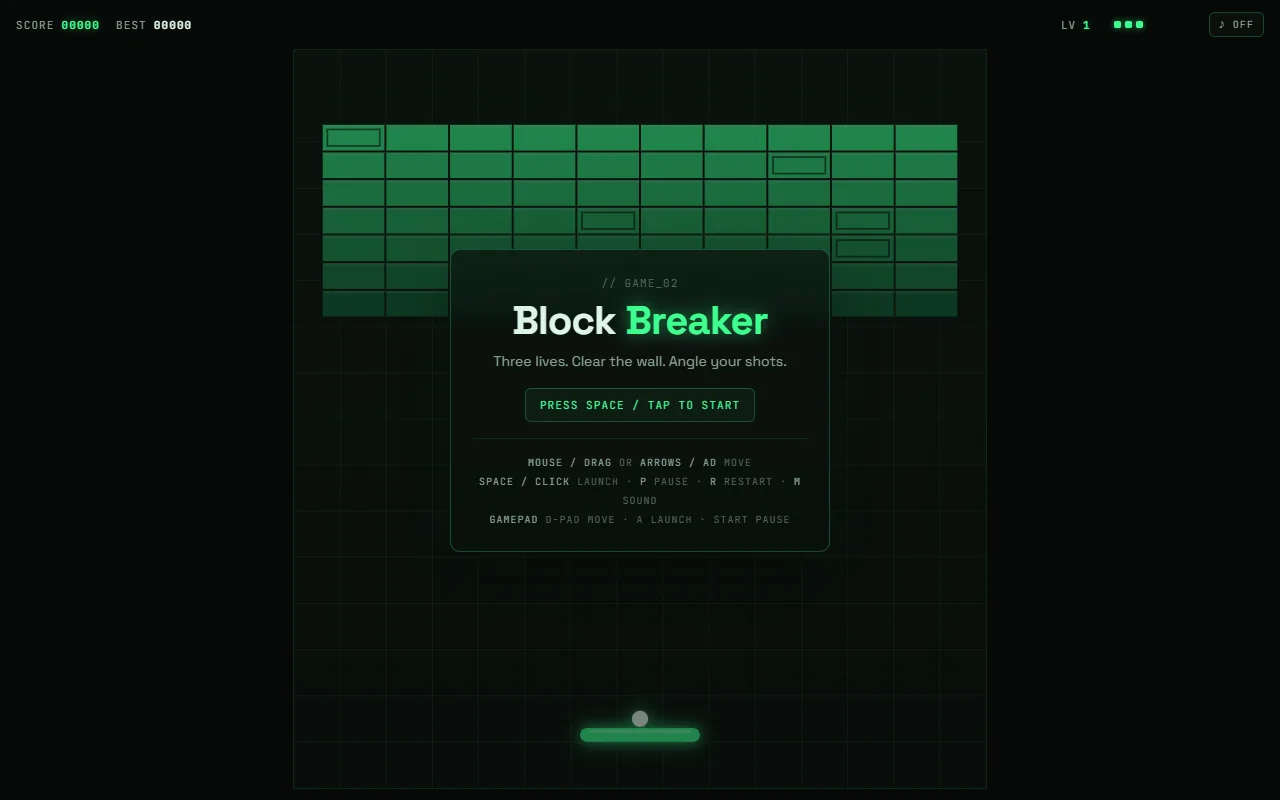
- Mouse / touch / arrows move · Space launch · P pause
- year
- 2026
- runs on
- any modern browser
Sound starts muted. Toggle it in the player bar.
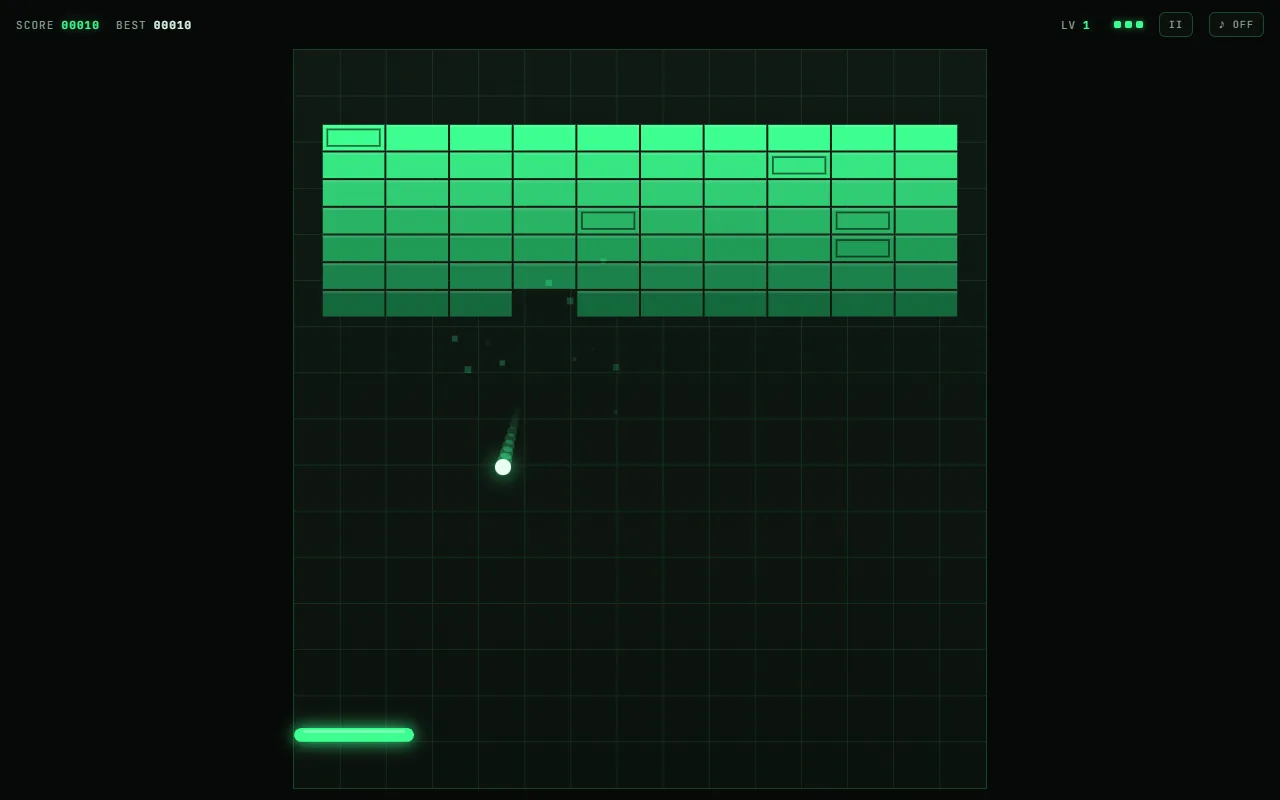 ▶ play
Devlog
Breakout lives or dies on how much control you have over the ball, so most of the work went there.
- Angle control. Where the ball hits the paddle sets its exit angle, up to 60° either side of vertical. Edge hits are a deliberate shot, not luck.
- Multi-hit bricks. From level 1 some bricks take two hits; the share grows by 6 % per level up to 40 %. A cracked brick shows its damage.
- Escalating levels. Launch speed starts at 380 px/s and rises 40 per level (capped at 640), and every paddle bounce adds a little more, up to +25 %. Layouts rotate through three patterns.
- Three lives, a clear bonus of 100 × level, and the best score saved locally.
- Fixed field, any screen. The playfield is a fixed 600-unit-wide coordinate space scaled to fit, so phones and monitors play the same game.
Screenshots
Changelog
- v1.1 · 2026-10-22 · Sound effects (muted by default), gamepad support, self-hosted fonts, now served from play.dunoralabs.xyz.
- v1.0 · 2026-10-10 · First playable build: angle control, multi-hit bricks, particles, levels, mouse/touch/keyboard.
Built with
- Canvas 2D, no libraries
- Web Audio for the bleeps (synthesised at runtime, no sample files)
- The lab bridge (
lab-bridge.js) for pause, mute and gamepad from the player overlay
Credits & licences
- Code, art and sound: original work, made for Dunora Labs. [EDIT: licence for the game code, e.g. MIT or all rights reserved]
- Space Grotesk font: Florian Karsten, SIL Open Font License 1.1
- JetBrains Mono font: JetBrains, SIL Open Font License 1.1